
Kismet Fixtures
View .mdKismet Fixtures are the production React experiences that turn a collection’s published data into a bookable guest site: search, results, property detail, galleries, calendars, reviews, checkout, and confirmation. One component contract ships to several install targets without duplicating the booking behavior underneath it. Rates, availability, and reservations come from the manager’s property management system through Kismet; the manager stays merchant of record.
The checkout Fixture embeds Kismet Checkout. Bring your own payment processor or run on Stripe. Kismet Checkout is designed to work with Agent Pay, which lets agents book directly with managers. Processor and partner booking-engine connections use supported integrations; installing a Fixture alone does not complete that setup. See Integrate Kismet Checkout.
What ships today
Section titled “What ships today”| Target | Status | How you get it |
|---|---|---|
| WordPress blocks and shortcodes | Live on customer sites | The Kismet Fixtures plugin. Install on WordPress. |
| JavaScript embed on any site | Live for most fixtures | embed.js, shipped inside the plugin. Support per fixture is in the catalog below. |
| Fixture manifests | Beta, in the Developer API | listFixtures and getFixture with the fixtures.read capability. |
| npm package | Not published | @kismet-tech/fixtures is not on the public npm registry. React apps use the SDK for data today. |
The plugin. Slug kismet-elements. It requires WordPress 6.3 and PHP 8.0, installs from a zip, and updates itself through the normal WordPress plugin update screen. The current version is in the update manifest. Releases before the rename show the name Kismet Elements in WordPress; it is the same plugin.
https://kismet.travel/api/wp-plugin/latestThe link redirects to the current versioned zip.
The catalog
Section titled “The catalog”Every fixture is a Gutenberg block in the Kismet category. Most are also a shortcode. Page fixtures marked “served” are rendered by the plugin at the URL declared for them; you do not place them on a page.
| Fixture | Block | Shortcode | Notes |
|---|---|---|---|
| Search bar | kismet/search-bar |
[kismet_search_bar] |
Dates, guests, and a Search button that navigates to the results page |
| Results page | kismet/results-page |
[kismet_results_page] |
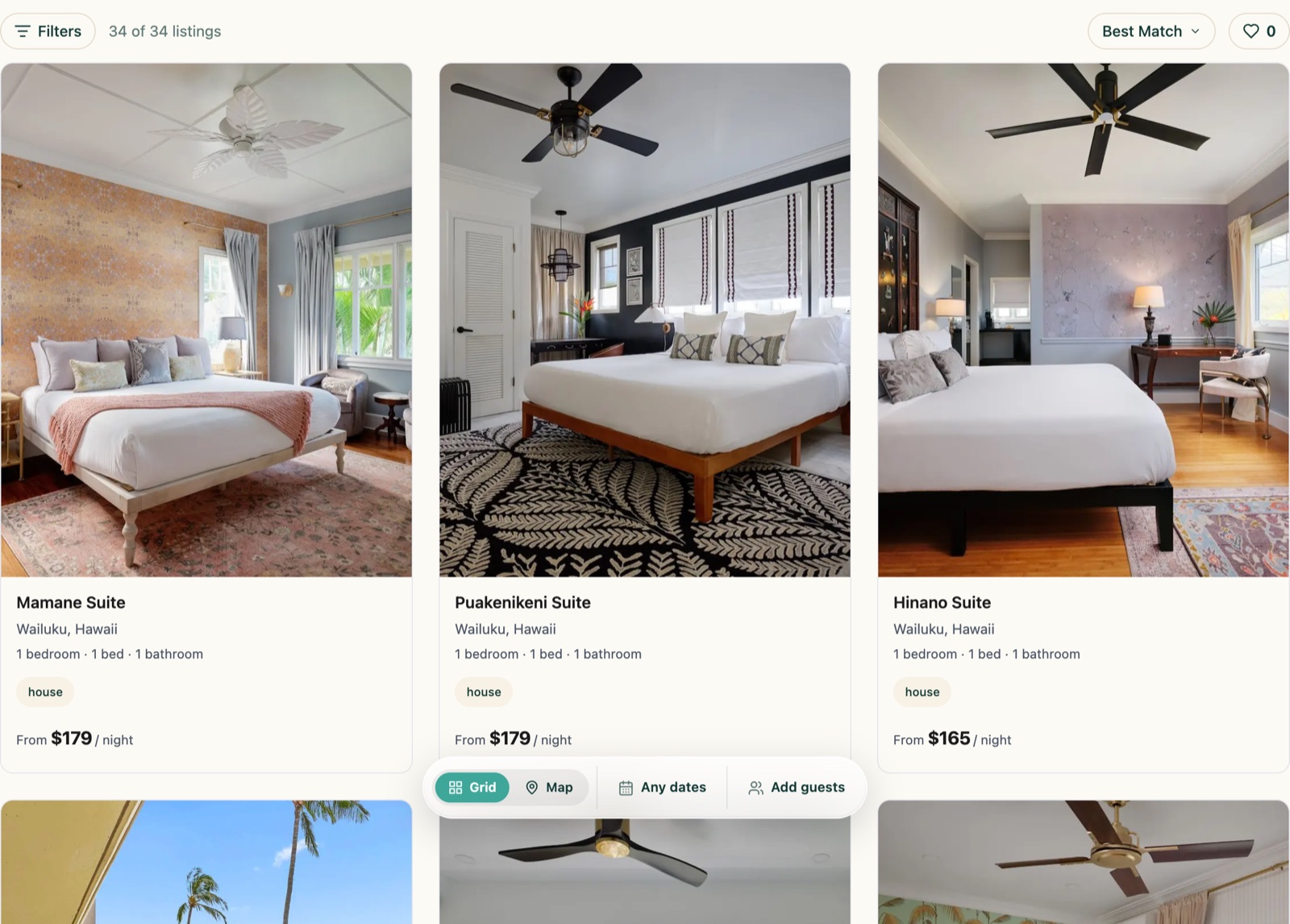
Search bar, filters, property grid, and map view on one page |
| Search results | kismet/search-results |
[kismet_search_results] |
The property grid alone, server-rendered |
| Filter drawer | kismet/filter-drawer |
[kismet_filter_drawer] |
Sliding filter panel for results |
| Map view | kismet/map-view |
[kismet_map] |
Google Maps view of properties |
| Property card | kismet/property-card |
[kismet_property_card slug="…"] |
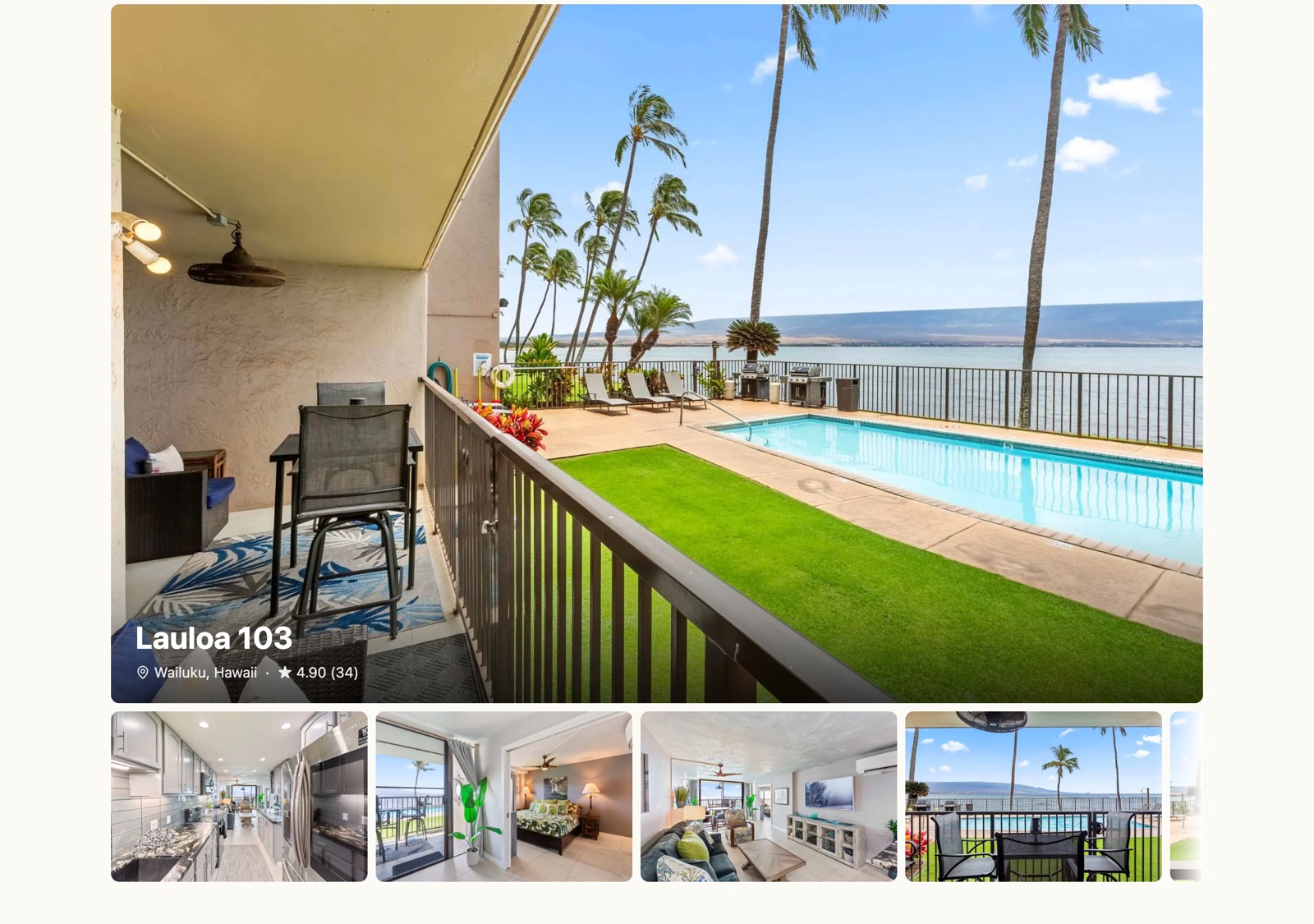
One property, server-rendered |
| Property detail | kismet/property-detail |
[kismet_property_detail slug="…"] |
Served at each property URL: gallery, description, spaces, amenities, calendar, rates, reviews, booking |
| Gallery | kismet/gallery |
[kismet_gallery slug="…"] |
Photo gallery for one property |
| Rate calendar | kismet/rate-calendar |
[kismet_rate_calendar slug="…"] |
Nightly rates and availability |
| Booking CTA | kismet/booking-cta |
[kismet_booking_cta slug="…"] |
The Book button for one property |
| Checkout panel | kismet/checkout-panel |
[kismet_checkout_panel] |
Guest details, quote, payment, confirmation |
| Rates page | kismet/vr-rates-page |
[kismet_vr_rates_page] |
Served under each property URL |
| Reviews page | kismet/vr-review-page |
served | Served under each property URL |
| Policy page | kismet/vr-policy-page |
served | Served under each property URL, one per policy |
| Group index | kismet/group-index |
served | Directory of the collection’s groups |
| Group page | kismet/group-page |
served | One group: identity, member properties, reviews |
| Blog index | kismet/blog-index |
served | Filterable, paginated post grid |
| Blog detail | kismet/blog-detail |
served | One post |
| Blog card | kismet/blog-card |
served | One post card |
| Header | kismet/header |
[kismet_header] |
Optional Kismet header for Kismet-served pages |
| Footer | kismet/footer |
[kismet_footer] |
Optional footer |
| Page shell | kismet/pageshell |
[kismet_pageshell] |
Header plus footer wrapper for a Kismet-served page |
| Form | kismet/form |
[kismet_form] |
Schema-driven lead capture; needs the collection entity ID |
| Account widget | (none) | [kismet_account_widget] |
Guest sign-in state |
Block and shortcode render the same markup. Fixtures read the collection from the plugin settings, so most need no attributes; slug names one property where the table shows it.
Discover fixtures with the SDK
Section titled “Discover fixtures with the SDK”The Developer API exposes the fixture registry: versioned manifests generated from the shipped component contracts. Each manifest tells a developer or coding agent what the fixture renders, which API operations supply its data, which settings remain editable in Kismet, and which install targets it supports.
import { createKismetClient } from '@kismet-tech/sdk/server';
const kismet = createKismetClient({  apiKey: process.env.KISMET_DEVELOPER_API_KEY!,  collection: 'sand-sea-condos',  baseUrl: 'https://api.ksmt.app/v1',});
const registry = await kismet.fixture.list();
for (const fixture of registry.data) {  console.log(fixture.id, fixture.status, fixture.installMethods);}
Use the status filter when an agent should only select fixtures whose data contract is complete:
const ready = await kismet.fixture.list({ status: 'supported' });const propertyCard = await kismet.fixture.get('property-card');See listFixtures and getFixture for the HTTP contract.
Every returned manifest includes:
| Field | What a builder can rely on |
|---|---|
id and fixtureVersion |
Stable identity and the component-contract version |
status and statusReason |
Whether the current Developer API fully supplies the fixture |
installMethods |
Supported targets such as npm, block, shortcode, or embed |
data[] |
Required operation, capability, coverage, and any declared gap |
settings |
Typed dashboard-editable configuration and defaults |
themeTokens |
Supported visual tokens without rewriting component internals |
enablement |
The collection-level control that turns the fixture on |
Built to survive customization
Section titled “Built to survive customization”Fixtures are not generated markup. Their source contracts, hydration behavior, route ownership, and cross-component communication are protected by TypeScript tests and structural ast-grep rules. This is what lets a developer or coding agent compose them while preserving Kismet’s data bindings, analytics, booking safeguards, and dashboard controls.
The manifest is the source of truth. Check data[].coverage before choosing a fixture, and never infer that an unsupported commercial action exists simply because the visual component exists.
- Install Kismet Fixtures on WordPress, staging first, then choose blocks on your pages or Kismet-served pages.
- Fixture manifests in the Developer API reference.